GolfBUD Keeping Score
Scorecard
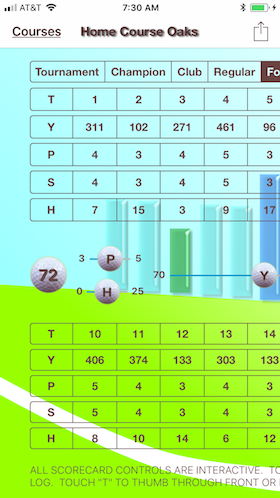
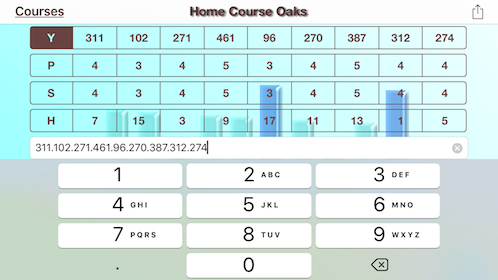
The GolfBUD scorecard view is logically divided into the front and back nine holes of a golf round atop a scroll view. The two groupings are each comprised of five control banks. Touch the controls...
Hole numbers navigate to individual tee logs. Touch a score, par, yard, or handicap box and use its respective slider to change its value. Touch the tee bank "T" and view the front or back nine tee logs.
Press the "Courses" button to navigate back to the course menu table. The action menu button (box with outward arrow) allows you to print, save and send your scorecard.
Front Nine of the 4.0 Interface
Landscape View
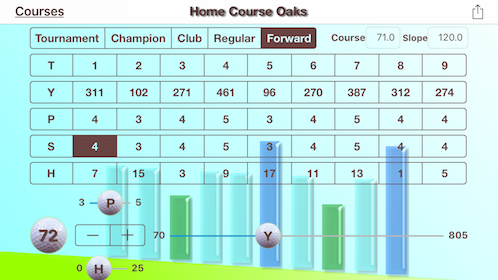
- Defaults: par is 4, yards is 300, handicap is 9, and score is 0
- Defaults: course rating is 71, and slope is 120
- To edit, press a box
- Move the H slider for H (1 - 25)
- Move the P slider for P (3 - 5)
- Move the Y slider for Y (70 - 805)
- Move the Stepper for S (0 - 25)
Golf Ball Slider
The Red Light Special
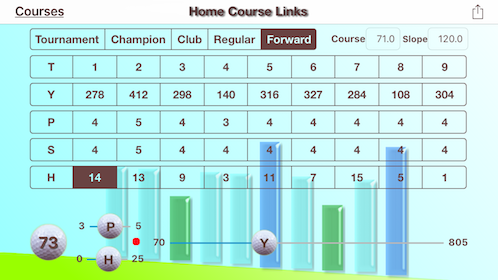
- Touch an information box and it highlights (H-1 is highlighted).
- Move the slider with a continual touch (S/H slider is being moved).
- Sliders change values readily.
- Slightly rocking your finger will change the slider value by one digit
- Pause your finger on the value you want.
- A light illuminates for a few seconds when editing has ended.
- If you need to, lift your finger and press again to make adjustments till you reach the correct value.
- The indicator light lets you know when you can lift your finger without the value changing.
A Tee Log
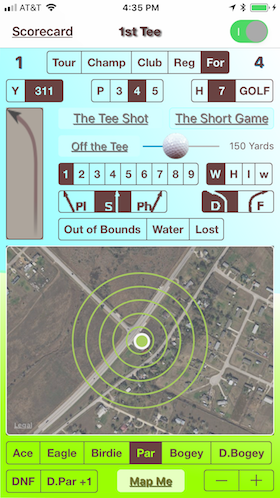
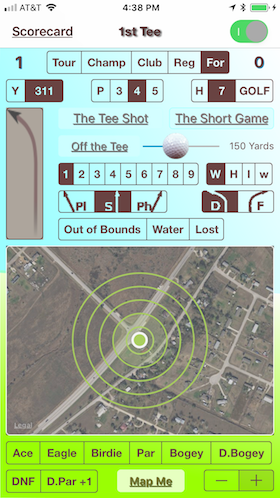
Each Course Has 18 Tee Log Screens
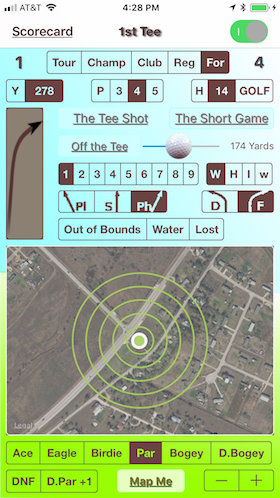
- The 15th tee log.
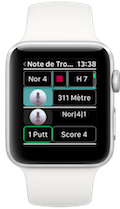
- The yard, par, and handicap information can be entered on tee logs.
- Values are automatically saved.
- Tee logs can't be deleted individually.
- Edit the values as often as desired.
A Tee Log Short Game
Press the ShortGame Button
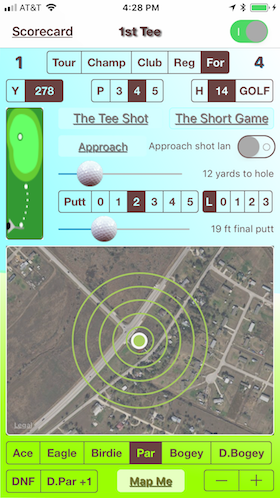
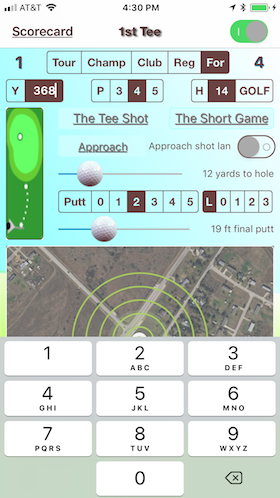
- 609 Yards is greater than the Y slider range of the Scorecard.
- All Scorecard tee information can be edited inside the tee logs.