 Action Menu Item
GolfBUD Statistics
The Short Game
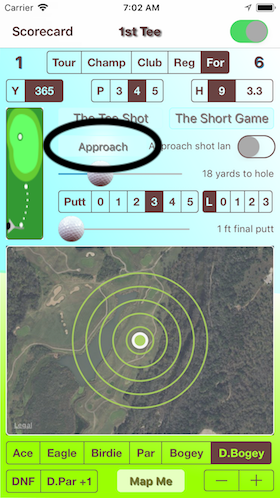
Touch "Approach"
The "On The Green" label is a button. Press it to see, "On The Green" stats. Percentage scoring placements are given based on all of the tee log data stored on GolfBUD.
...
The "Approach" Statistics
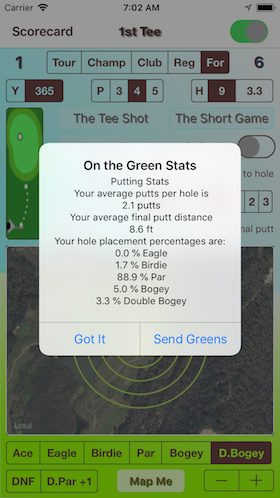
These statistics are cumulative. If you have one hole played and recorded on GolfBUD and scored a par for that hole. Your par percentage will be 100%. If you placed "DNF" the score placement values will all be 0.
The Tee Shot
Touch "Off The Tee"
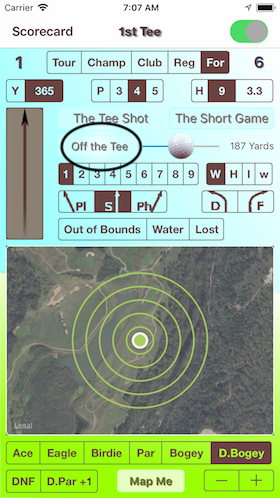
Tee Shot statistics are separated by par grouping. Pressing "Got It" dismisses the box.
...
Statistics Match the Tee Log par
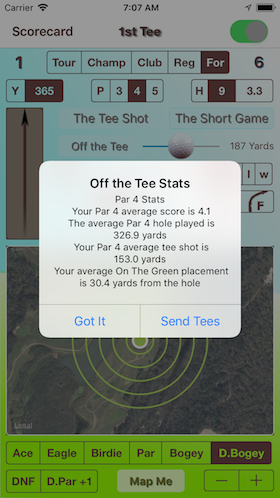
Pressing "Send Tees" lets you send the statistic by text or email.
My Course Stat's
Score [S]
Score:Par Ratio [S:Par]
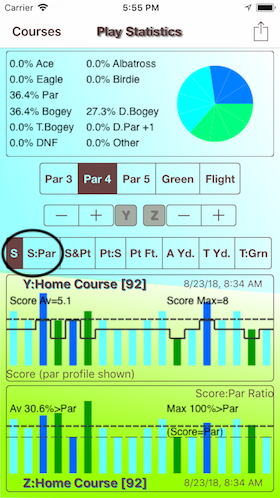
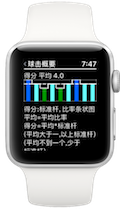
The top bar graph is your score against par.
The bottom bar graph is your score:par. Above the score = par line is over par, below is under par.
...
Score and Putt [S & Pt]
Putt:Score Ratio [Pt:S]
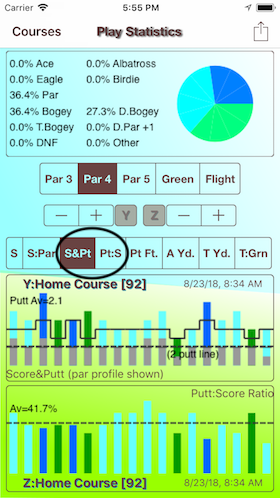
The top bar graph is your score with putts. The 2 putt line indicator is dashed.
The bottom bar graph is your putt:score ratio. See if on the green is the majority of your score.
...
Putt Feet [Pt Ft.]
Approach Shot [A Yd.]
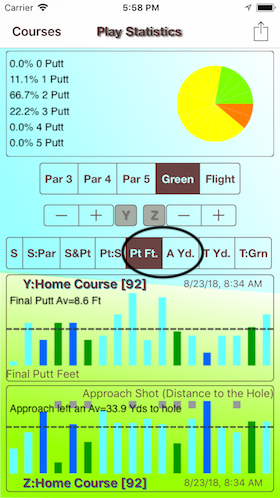
The top bar graph is the final putt feet.
The bottom bar graph shows if the approach shot landed on the green and the remining yards.
...
Tee Shot [T Yd.]
Driving the Green [T:Grn]
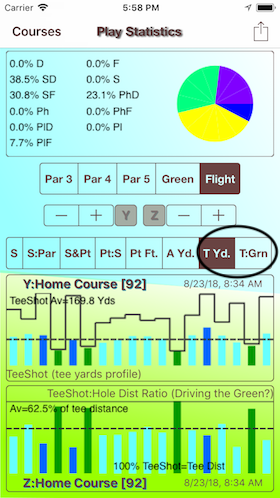
The top bar graph is the tee shot yards against the tee distance.
The bottom bar graph shows if the drive is landing in the green.